jonathansabbah.com
  • Apps
  • Consulting
  • Talks
  • Blog
  • About Me

🧰 Slides Builder for Notion

Always up-to-date slides 100% in Notion

✓ Stunning presentations.

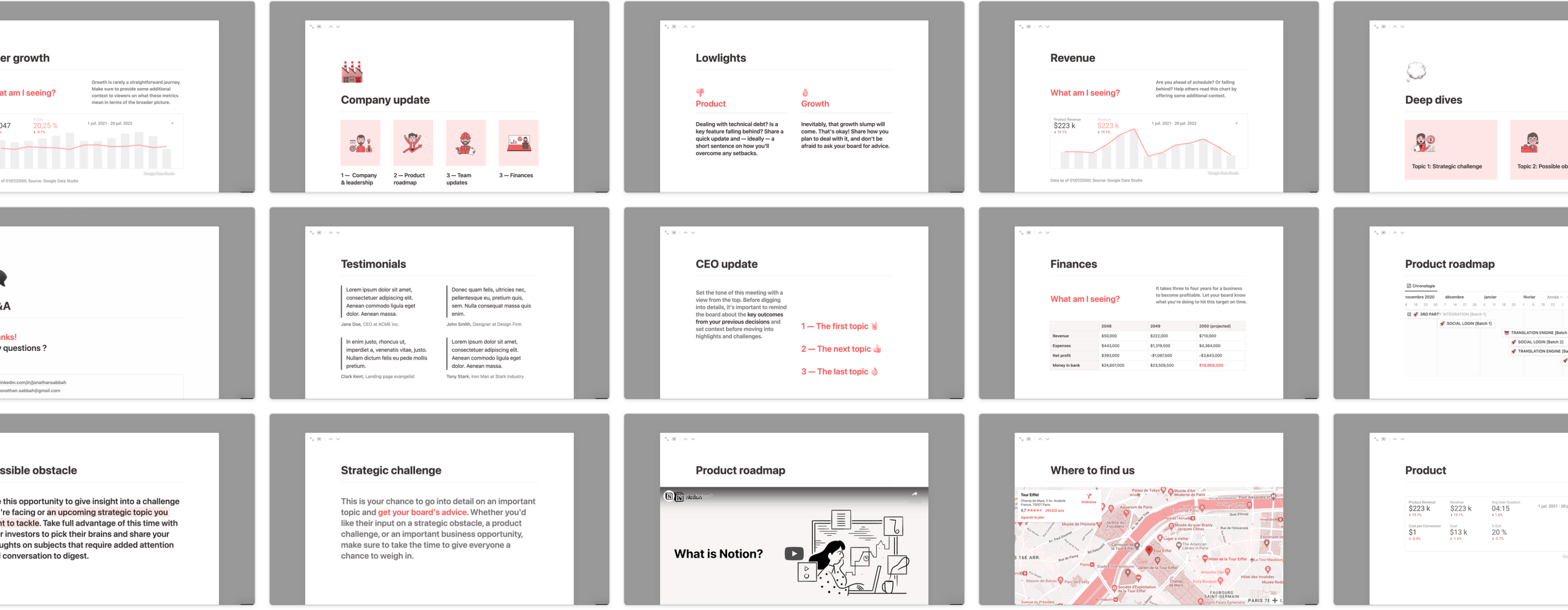
✓ +100 slides templates to start quickly.

✓ No subscription required.

Start building presentations

image

Updating slides is tedious.

Happens every week.

No value.

High risk of making mistakes.

Notion is a game changer.

All information is already there.

And up to date.

But who knew it could be used to make slides!

Slides that update themselves! 🤯

⚙️
How it works
  1. Start with the slides templates
  2. Make the slides alive with Synced Blocks, Linked Views of Databases and live integrations
  3. Work on your presentation! Use dividers to separate slides
  4. Use cmd+option+P to activate the presentation mode NEW

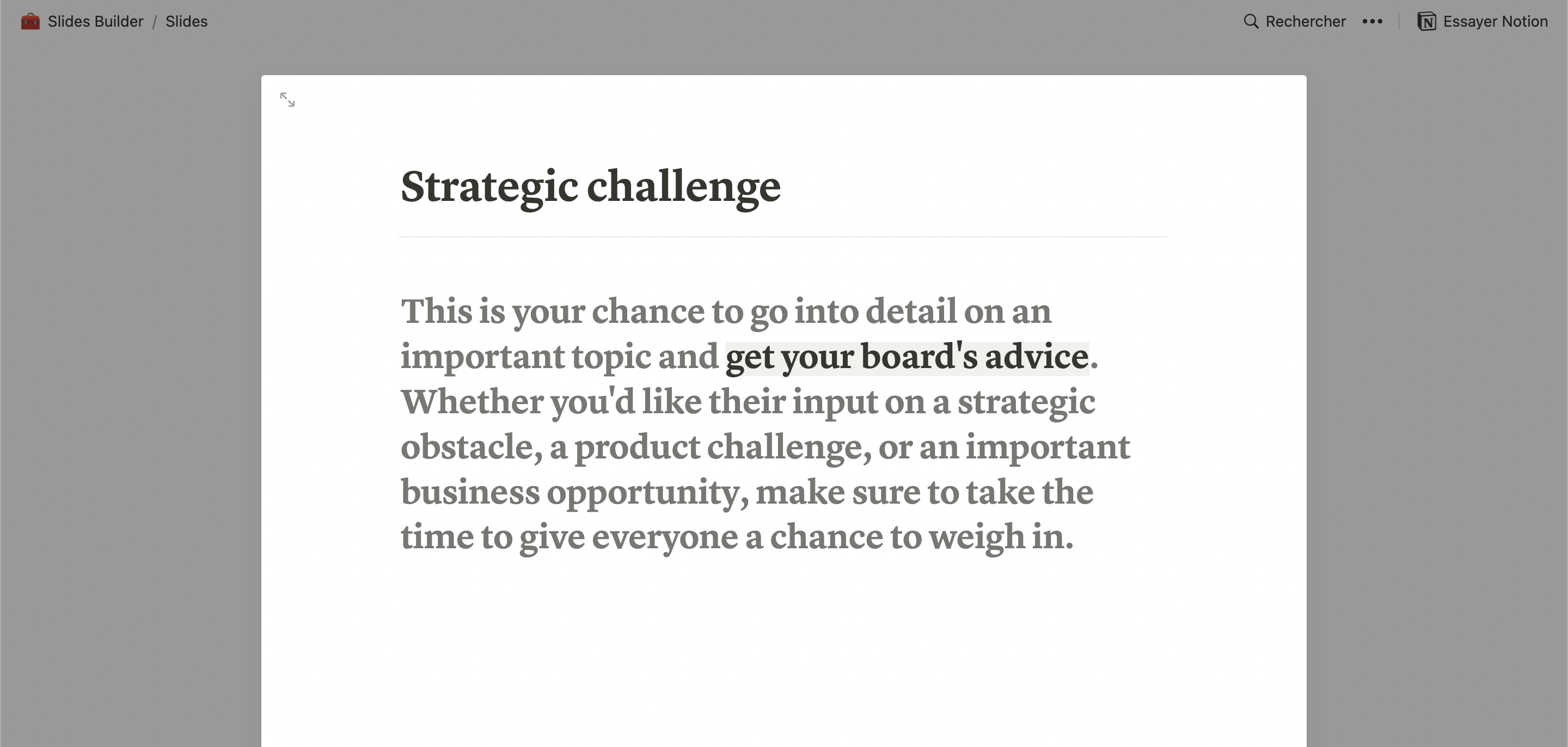
Take advantage of the +100 slide templates

image

Meet slides that update themselves ⭕

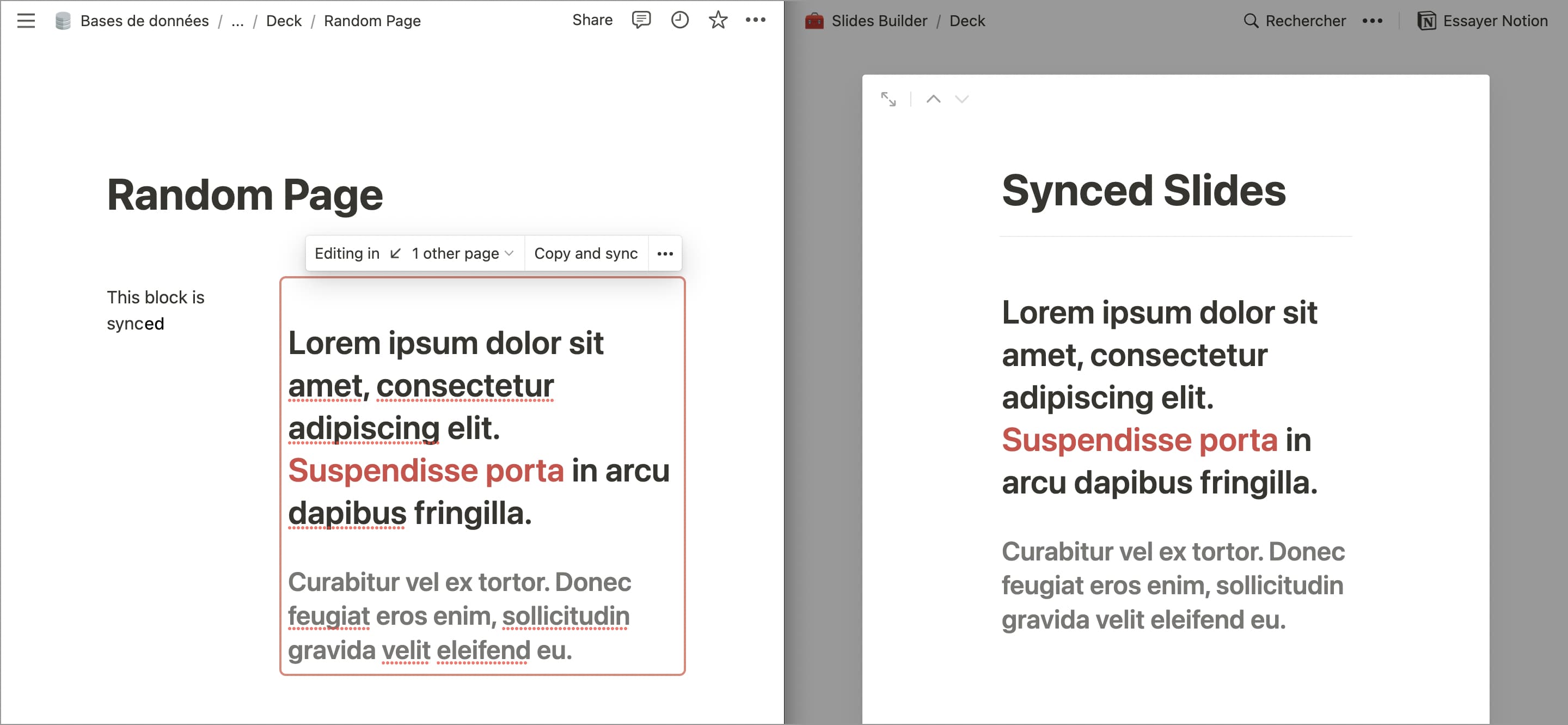
✔️ Sync your slides with your Notion pages

Give life to your slides with dynamic updates if something changes in your Notion Workspace.

image

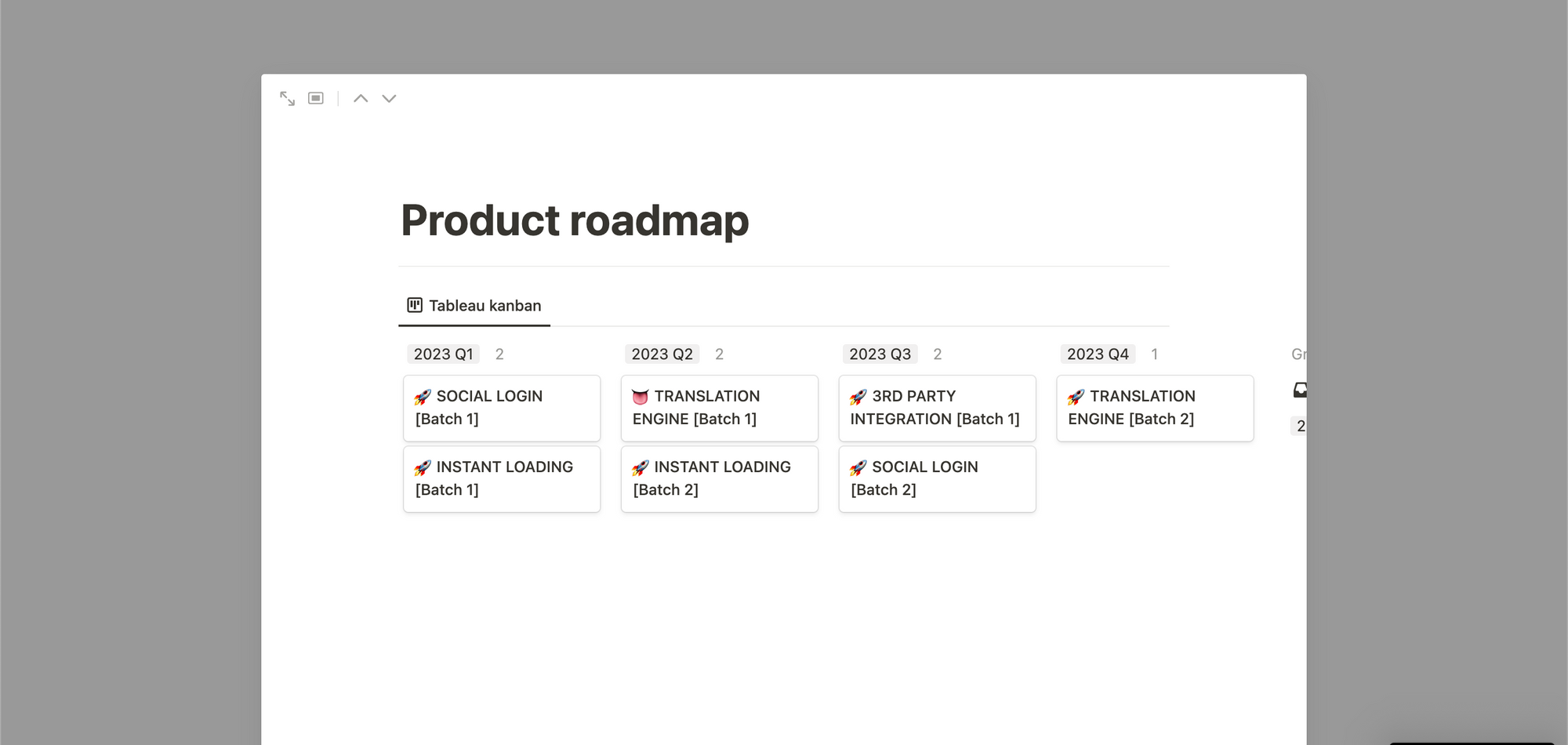
✔️ View up to date databases directly in your slides

With Linked View of Databases, forget about screenshots, your slides are already perfect.

image

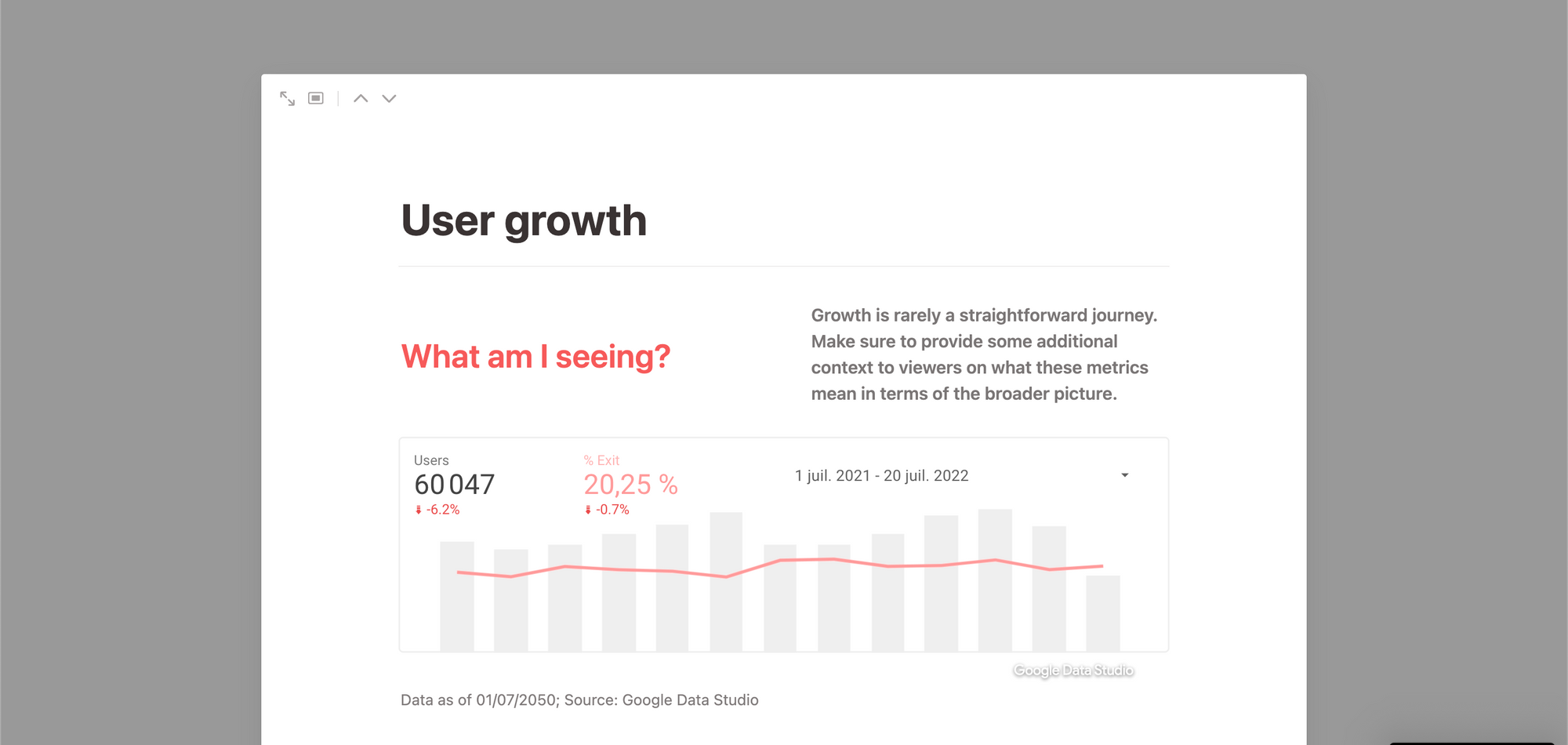
✔️ Show live figures with embedded Google Data Studio, Google Analytics*, Amplitude or Grid

Forget about screenshots & copy paste, your slides are already updated.

image

*To show Google Analytics data, you’ll need to plug it into Google Data Studio (free and easy)

✔️ Integrate with almost everything

Jira
Jira
GitHub
GitHub
Slack
Slack
Zoom
Zoom
Figma
Figma
Amplitude
Amplitude
GRID
GRID
OneDrive
OneDrive
Dropbox
Dropbox
Zapier
Zapier
Typeform
Typeform
Asana
Asana
Trello
Trello

and many more…

Your slides are always up to date ⭕

Start building your presentations →

image

→ For recurring team meetings

→ For researchers & students

→ For startup pitching

Unleash Notion superpowers ⚡

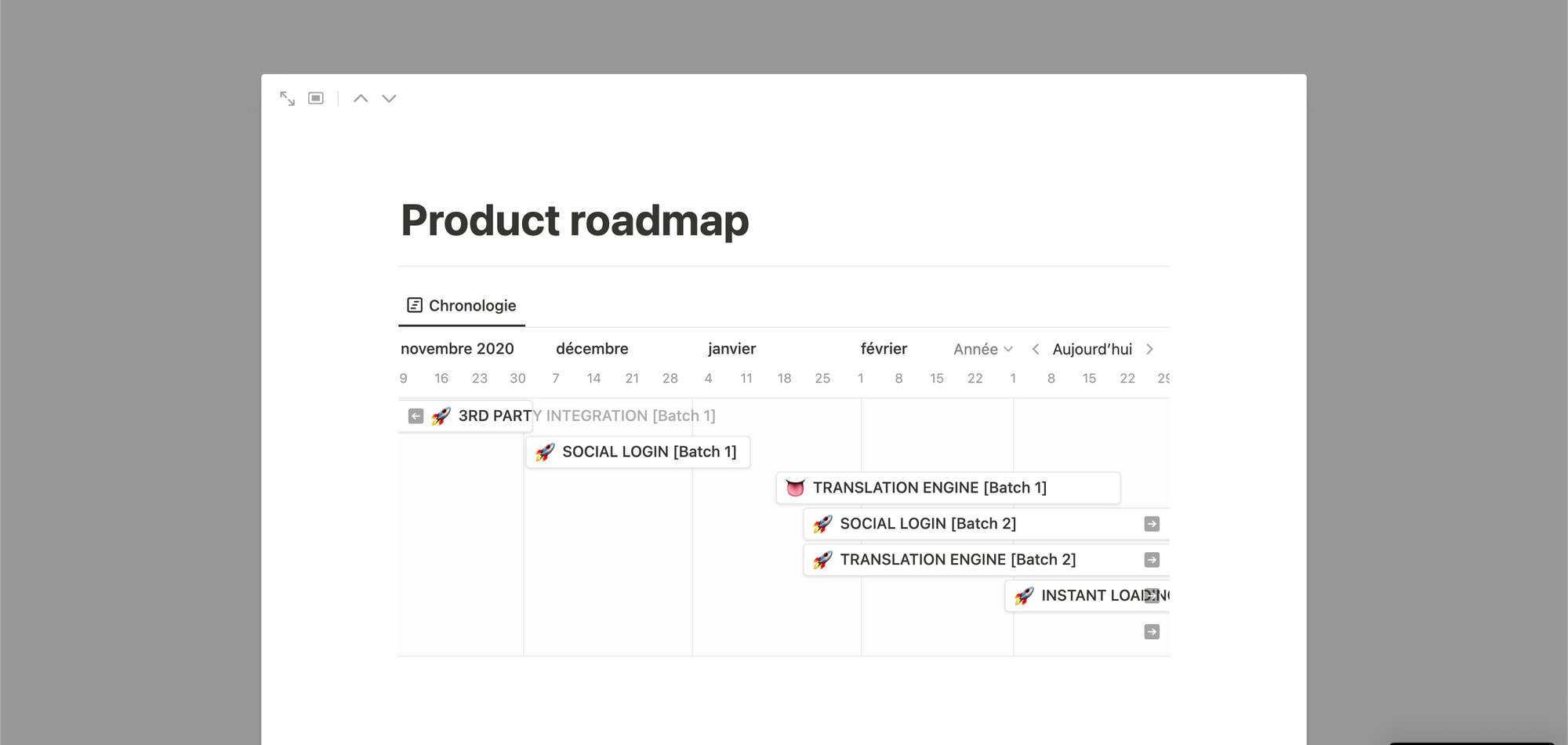
📅  Up-to-date Roadmaps

Keep your single source of truth in Notion with linked views

image

🧑‍💻 Code Syntax  Highlighter & LaTeX

Many languages supported

image

↕️ Generated Diagrams

Use the Mermaid syntax to generate diagrams

image

💯 Your team already knows how to use it

🖍 Tag @someone & create reminders

📱 Works on your mobile too

image
image
image

Simple design settings so you spend time on the content

→ 3 fonts

→ 10 colors 🌈

→ Light or Dark mode

The only slides that update themselves 🚀

Start building your presentations →

image

Pricing

→ Not a monthly payment, you just pay once!

🧰
Slides Builder for Notion

Your slides 100% in Notion

30€ lifetime access

The builder

+100 slide templates

Buy Now

📦
Notion Home Pack

My personal templates in one pack

200€ 80€ lifetime access

‣
🧰 Slides Builder for Notion (30€)

Always up-to-date slides 100% in Notion ✓ Stunning presentations.

✓ +100 slides templates to start quickly.

✓ No subscription required.

‣
🧭 Everyday OS for Notion (100€)

Organize Your World with a Second Brain

✓ 10x more efficient in life & work

✓ Your Tasks, Projects, Goals, Notes & more

✓ Entirely in Notion

‣
👥 Personal CRM (10€)

Take control of your personal and professional relationships.

✓ Automatic reminders to connect with friends/family/colleagues

✓ Assign different frequencies to different people

✓ Recurring birthday reminders

✓ Birthday calendar

✓ Contacts broken down by relationship type

‣
💼 Job Tracker + CV template (10€)

Crack every interview and get your dream job!

✓ Build your Resume

✓ Manage Applications

✓ One-click Cover Letters 🤯 (with AI)

✓ Prepare Interviews

‣
🧱 Landing Page Builder for Notion (50€)

Build sexy webpages in Notion. Without design skills. In seconds.

✓ Test ideas. Make portfolios. Prepare ProductHunt D-Day...

✓ Responsive without any effort, unlimited websites.

✓ No subscription required.

Buy Now

FAQ

‣
Can I export my slides?

Yes, you can export in HTML and PDF or share the link

‣
Can I embed my slides on another website?

Not at the moment, however you can always share the link of the deck

‣
What exactly is Slides Builder?

A collection of templated pages for Notion to look nice in a deck

‣
How to use Slides Builder?
  1. Start with an empty deck or with a template
  2. Copy one of the templated deck or start with an empty deck
  3. Work on your presentation!
  4. Use cmd+option+P to activate the presentation mode NEW
‣
Can I duplicate Slides Builder for my friends?

No, this is a personal license for team use only

😇
Check also my other Notion-based products and Product OS!
image

Slides Builder for Notion

‣
About me :)

Ex-Lead Product Manager in a large start-up, headmaster of a Product Management bootcamp in Paris, Product Consultant and Notion die-hard fan ♥️

linkedin.com/in/jonathansabbah

jonathan.sabbah@gmail.com

jonathansabbah.com